
Forcing oversized parts into a fixed station
Workflow guide
Handheld vs Desktop Laser Engraver: Which Workflow Fits?
Handheld and desktop systems solve different positioning problems. Handheld mode brings the marking head to large or fixed parts; desktop mode supports stable, repeatable placement of smaller products. PM-F1 is designed to switch between both.
Discuss your project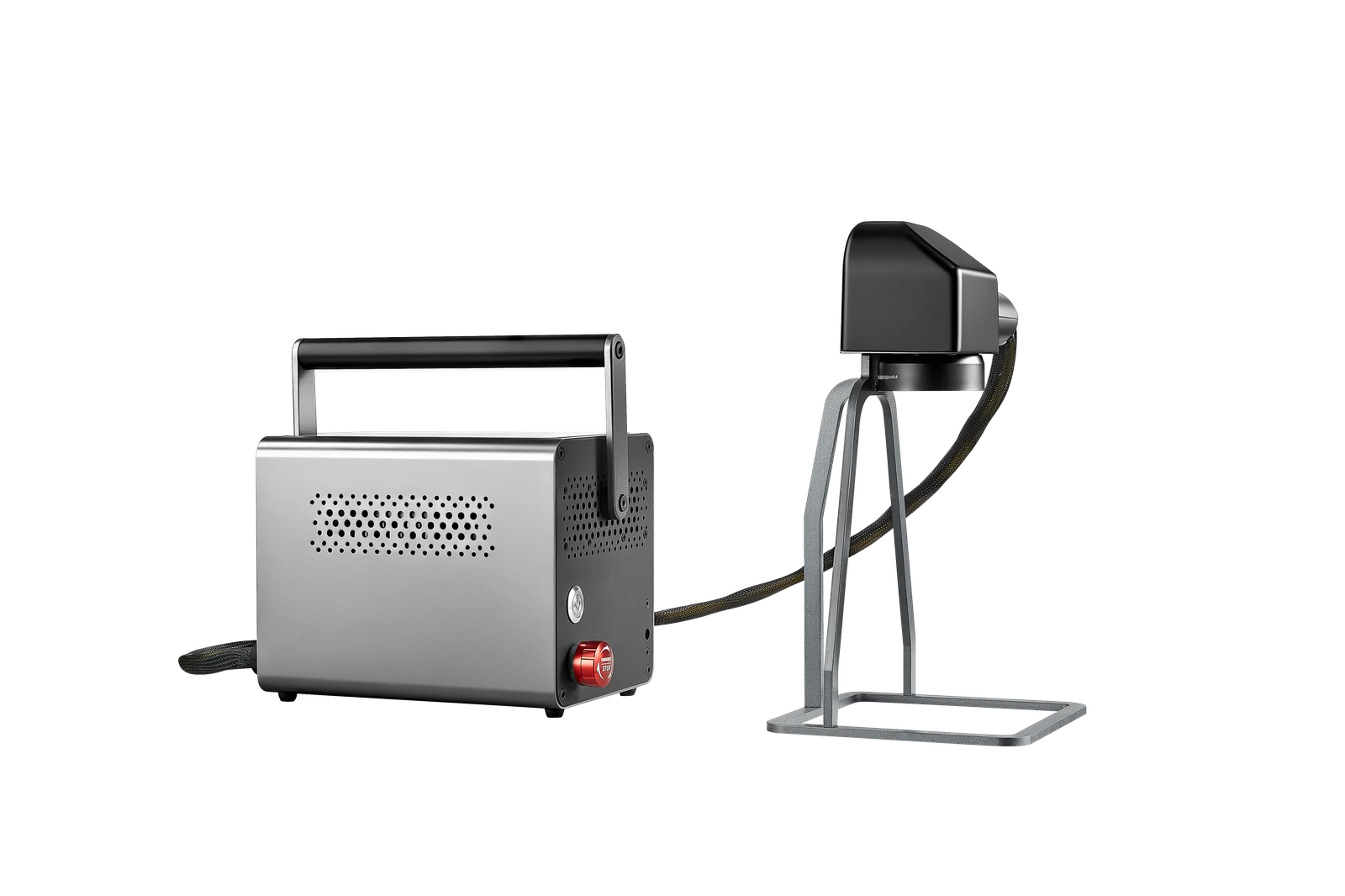
What matters
Three things to solve first.
Using handheld mode when repeat positioning is critical
Buying two systems before testing a dual-mode workflow
Typical fit
What you can create
List your smallest and largest products, daily volume and whether jobs happen on-site. That quickly reveals which mode will carry most of the workload.
01Handheld: large, fixed and on-site work
02Desktop: small parts and repeat batches
03Dual mode: mixed workflows
FAQ
Questions buyers ask.
Is handheld mode less accurate?+
Accuracy depends on positioning and support. For repeat small parts, a stable desktop fixture is usually easier to reproduce; large parts may require a custom handheld positioning method.
Do I need separate machines for both workflows?+
PM-F1 is designed to support both handheld and desktop configurations in one system.